Oceanir
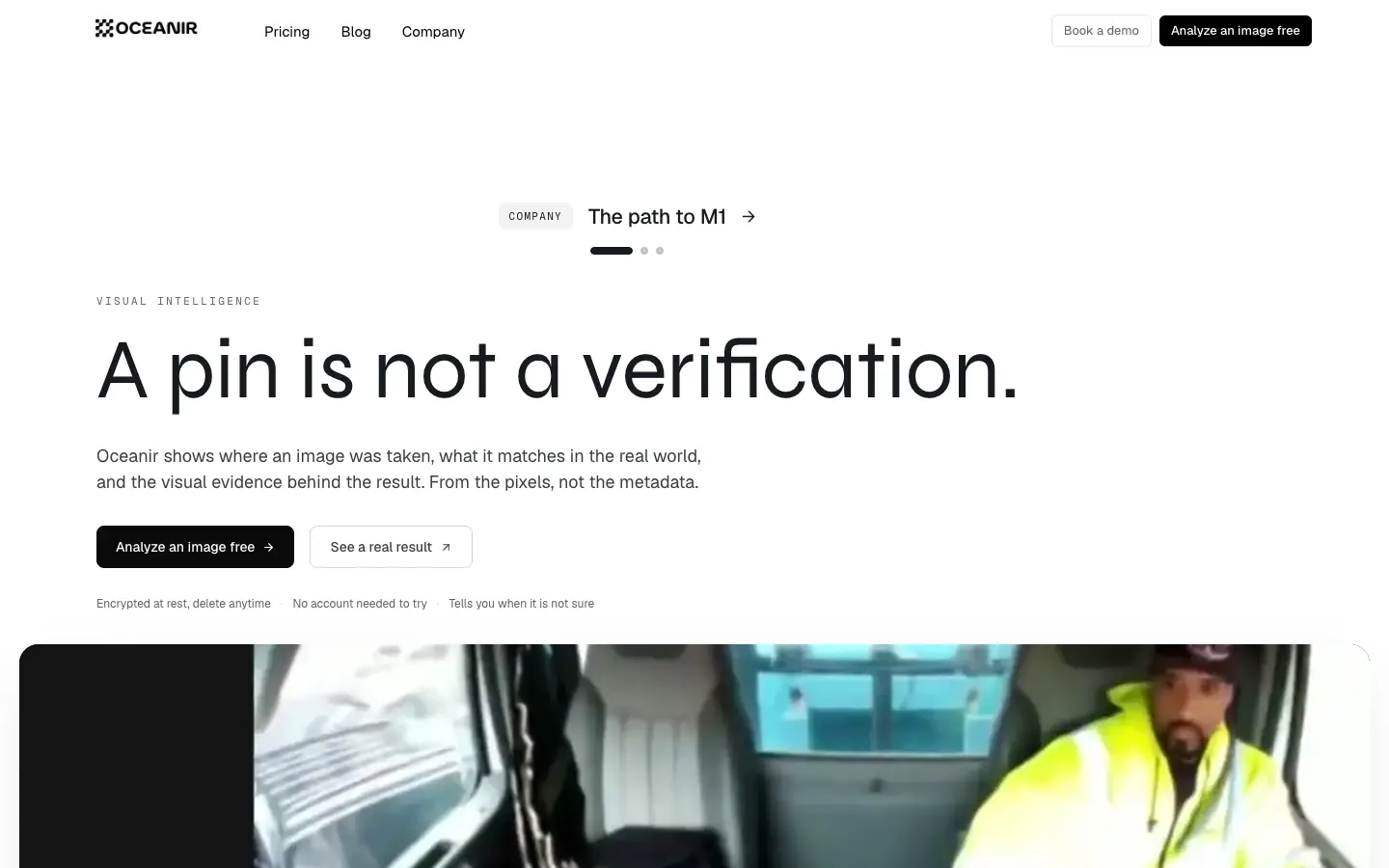
Oceanir estimates photo locations from visual clues. Understand candidate review, the Orca and Manta access distinction, and what remains unverified.
Pricing, limits & platforms
Confirmed fields were checked by the submitter against the linked official source on the date shown. Plans and limits may change; check the current terms on the official site.
- Pricing model
- Unconfirmed
- Free allowance
- Unconfirmed
- Usage limits
- Unconfirmed
- Supported platforms
- Unconfirmed
About this tool
Before you choose
Offo editorial research · checked ·
Based on the official public pages linked below. Account-only features were not independently tested. This is an editorial assessment, not a product launch date.
Start with a question you can check
Choose a photo whose location you already know. Decide beforehand whether a country, city or exact site would answer your question. Record wrong candidates as well as correct ones, so an attractive map marker does not become your only evidence.
Evidence and exports
The official site describes street-level comparison and PDF or CSV case exports. We did not test those inside a paid account or verify which plan includes them. The homepage’s Manta benchmark figures should not be treated as an accuracy guarantee for the public Orca app.
Access and alternatives for a simple task
The app exposes account login and plan/billing controls. This review did not confirm its current free allowance, subscription price or upload limits. If an existing photo record already identifies the location, check that evidence before adding an inferred answer.
A small trial to evaluate fit
- Use a photo you are permitted to upload, preferably one with a known location for the first check.
- Open the app and review its current account and plan requirements.
- Compare candidate places against independent landmarks or other evidence, and keep notes about uncertainty.



Comments 0
Loading comments…