Video
Bad Times AI
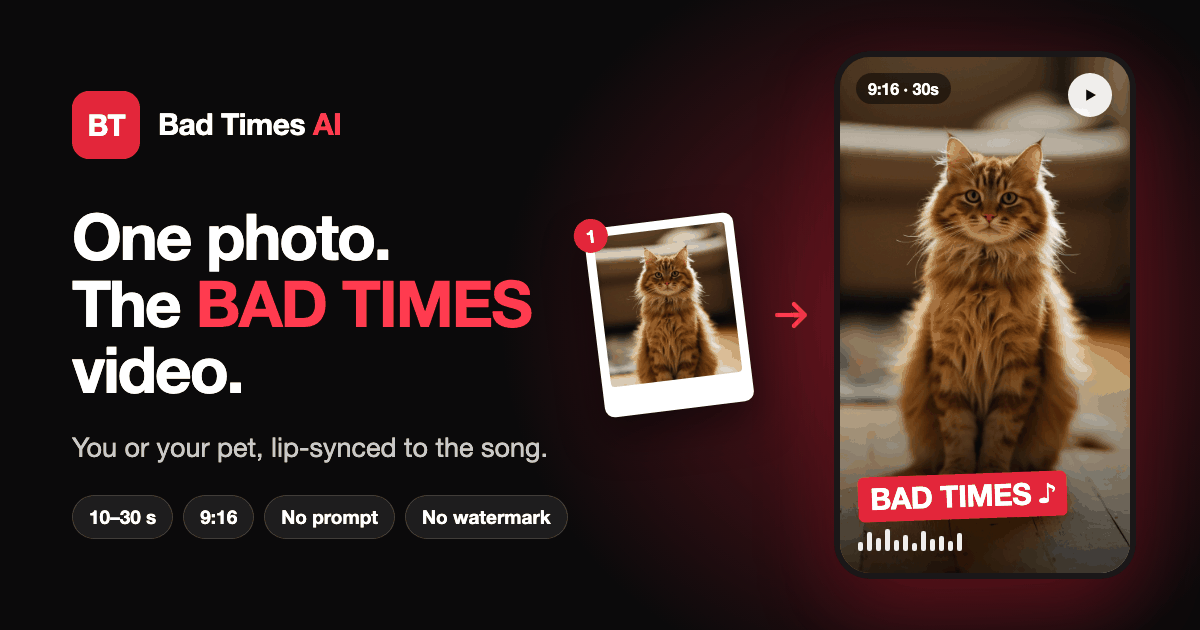
Workflow: one photo upload, a template choice, then a finished Bad Times trend video within a few minutes.
photo-to-videolip-synctiktok trend
About this tool
The workflow in Bad Times AI has three steps. First, a photo is uploaded, either directly or from a phone by scanning a QR code shown on the desktop site. Second, a template is chosen (original person, dog, cat, two pets, toddler, duo, parent and child in a car, or Halloween), along with clip length, resolution and quality tier. Third, the photo goes through a review before rendering, and the finished video arrives within a few minutes. If a render fails, credits are refunded automatically; a single video bought at checkout can be remade at no cost if it fails or is not approved. The result is the TikTok "Bad Times" argument lip-sync, with the song added.




Comments 0
Loading comments…