Design
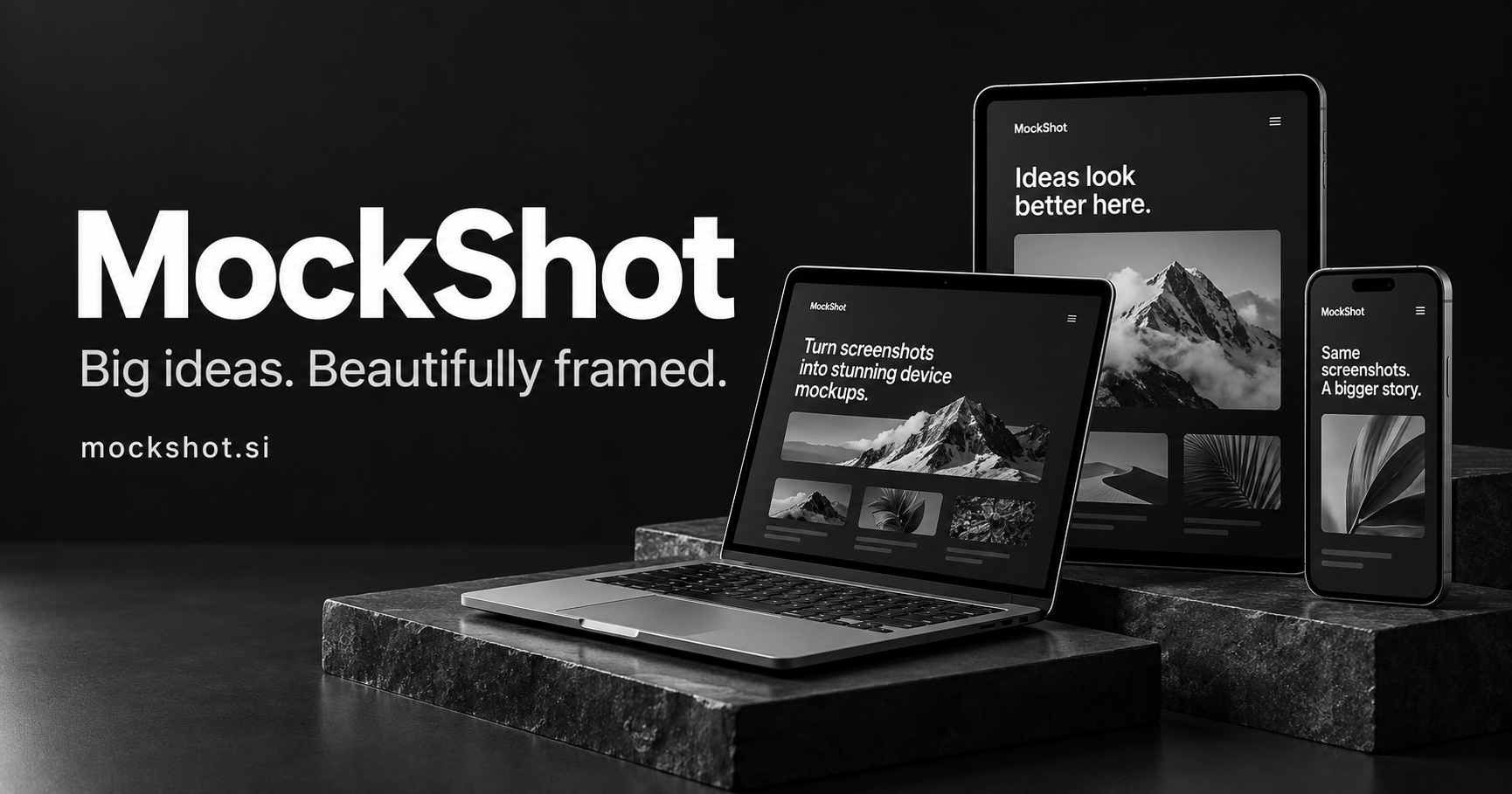
MockShot
Turn screenshots into device mockups in your browser.
Pricing unconfirmedmockupsscreenshotsdevice frames
Pricing, limits & platforms
Confirmed fields were checked by the submitter against the linked official source on the date shown. Plans and limits may change; check the current terms on the official site.
- Pricing model
- Unconfirmed
- Free allowance
- Unconfirmed
- Usage limits
- Unconfirmed
- Supported platforms
- Unconfirmed
About this tool
MockShot is described on its page as a browser-based device mockup and screenshot generator for app makers, designers and small product teams. Users start with a screenshot, place it inside a device frame (phones, tablets, laptops, desktops, displays, watches, smart home), then build a composition with canvas dimensions, backgrounds, headlines and layers. Imports support PNG, JPG and WebP up to 20 MB; fitting options include Cover, Contain and Stretch. Exports are offered as PNG, JPG, WebP or SVG. The page notes SVG export embeds a rendered image rather than editable vectors, and JPG flattens transparency onto white. Local editing and rendering are stated to happen in the browser.



Comments 0
Loading comments…