NoteCleaner
NoteCleaner rewrites AI drafts for readability. Compare its text and document workflow, account requirements and checks to make before using the output.
Pricing, limits & platforms
Confirmed fields were checked by the submitter against the linked official source on the date shown. Plans and limits may change; check the current terms on the official site.
- Pricing model
- Unconfirmed
- Free allowance
- Unconfirmed
- Usage limits
- Unconfirmed
- Supported platforms
- Unconfirmed
About this tool
Before you choose
Offo editorial research · checked ·
Based on the official public pages linked below. Account-only features were not independently tested. This is an editorial assessment, not a product launch date.
When NoteCleaner is useful
Consider it for revising a draft you can fact-check yourself. Keep the original beside the revision and compare names, numbers, technical terms and citations. A smoother sentence is only useful if it still says what you intended.
Price, free credits and account access
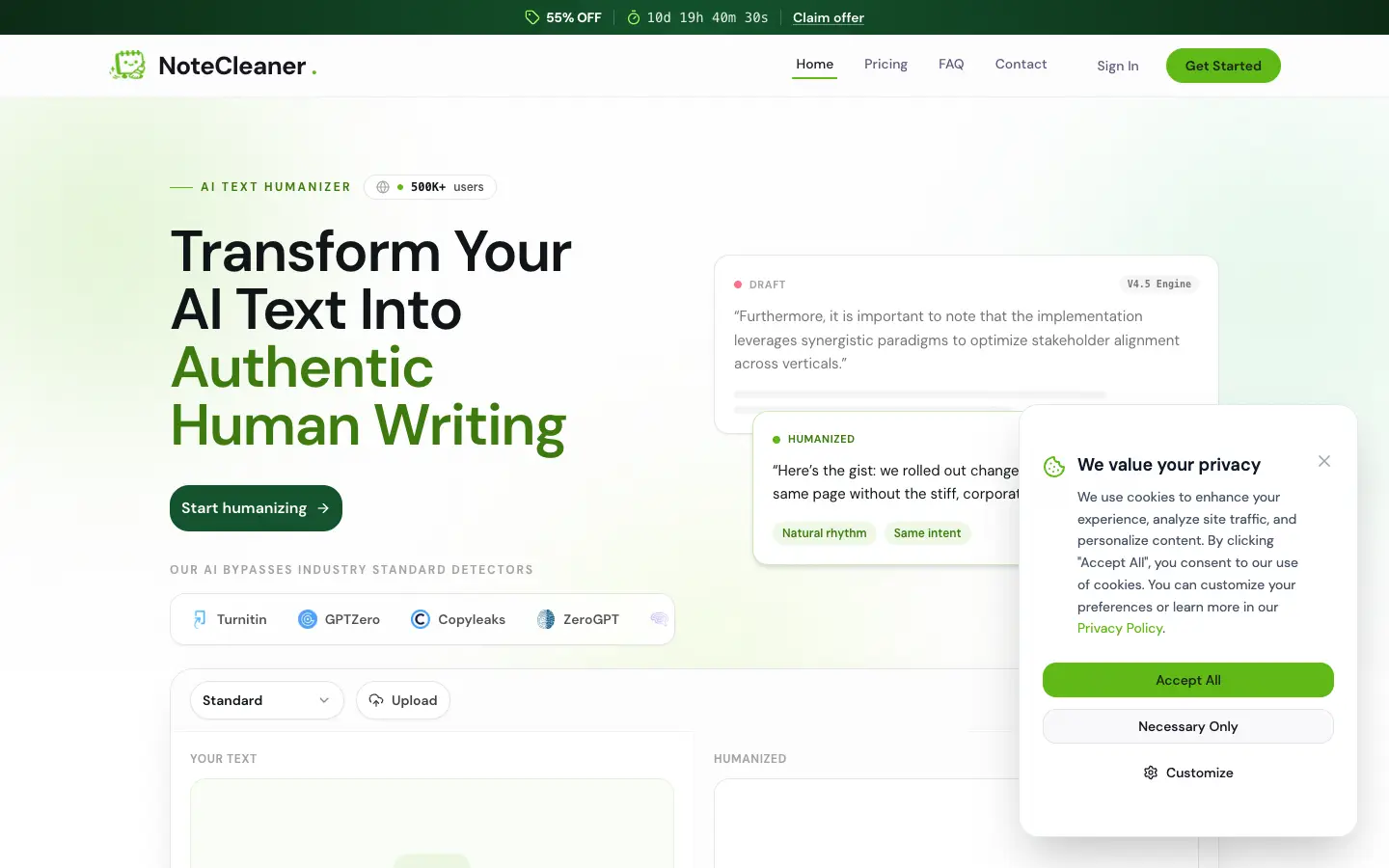
The public page advertises starting with free credits without a card. This review did not confirm the current credit allowance, word limits, paid checkout price or document export formats. Check those in your account before committing to a long document.
How to compare it with a general writing editor
Try the same short passage in both workflows. Compare meaning, tone and the time you spend correcting the result. We have not independently verified NoteCleaner’s detector-bypass claims; those claims do not establish authorship or writing quality.
A small trial to evaluate fit
- Choose a non-sensitive paragraph and save an unchanged copy.
- Paste it into the workspace, or try one of the listed upload formats; sign in if prompted.
- Read both versions side by side and verify every factual statement before using the revision.




Comments 0
Loading comments…