Video
PixExact
Create AI images in exact pixel sizes with PixExact, no cropping needed. Perfect for custom banners, thumbnails, and more from text or images. Try it free.
Submitter description · free claims unconfirmedFree and permanently free claims in this description come from the submitted listing. Confirming a pricing or allowance field does not verify the whole description. Check the official sources and review dates in the access fields before relying on these claims.Pricing unconfirmedVideoNew tool
Pricing, limits & platforms
Confirmed fields were checked by the submitter against the linked official source on the date shown. Plans and limits may change; check the current terms on the official site.
- Pricing model
- Unconfirmed
- Free allowance
- Unconfirmed
- Usage limits
- Unconfirmed
- Supported platforms
- Unconfirmed
About this tool
Submitter description · free claims unconfirmedFree and permanently free claims in this description come from the submitted listing. Confirming a pricing or allowance field does not verify the whole description. Check the official sources and review dates in the access fields before relying on these claims.Create AI images in exact pixel sizes with PixExact, no cropping needed. Perfect for custom banners, thumbnails, and more from text or images. Try it free.
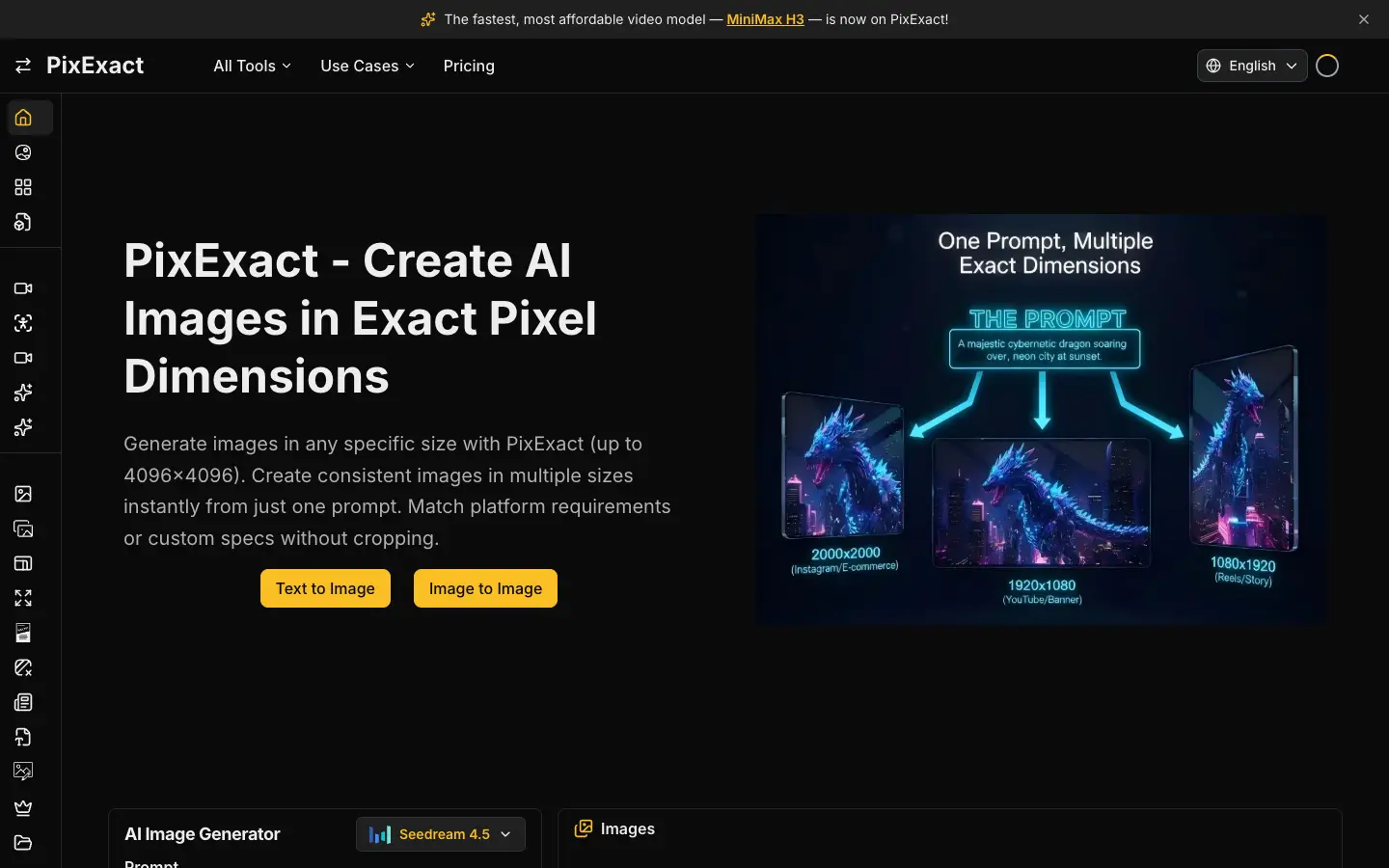
Generate images in any specific size with PixExact (up to 4096×4096). Create consistent images in multiple sizes instantly from just one prompt. Match platform requirements or custom specs without cropping.
Stop guessing with aspect ratios. With PixExact, you tell the AI the exact pixels you need, like 1920x1080, and get the perfect size without compromise.
Generate multiple sizes, like a banner, a square, and a vertical ad from one prompt, that all look consistent. Keep your style and subject uniform across every dimension in one click.



Comments 0
Loading comments…