Video
Voice Isolator
Separate voices from music or noise in audio and video
Submitter description · free claims unconfirmedFree and permanently free claims in this description come from the submitted listing. Confirming a pricing or allowance field does not verify the whole description. Check the official sources and review dates in the access fields before relying on these claims.Free + paid plansvoice isolationvocal separationaudiovideo editingnoise removal
Pricing, limits & platforms
Confirmed fields were checked by the submitter against the linked official source on the date shown. Plans and limits may change; check the current terms on the official site.
- Pricing model
- Free + paid plansOfficial sourceChecked by submitter ·
- Free allowance
- Unconfirmed
- Usage limits
- Unconfirmed
- Supported platforms
- Unconfirmed
About this tool
Submitter description · free claims unconfirmedFree and permanently free claims in this description come from the submitted listing. Confirming a pricing or allowance field does not verify the whole description. Check the official sources and review dates in the access fields before relying on these claims.Separate voice and background tracks from audio or video. Includes daily free minutes, downloadable results and a free rerun in the other mode.
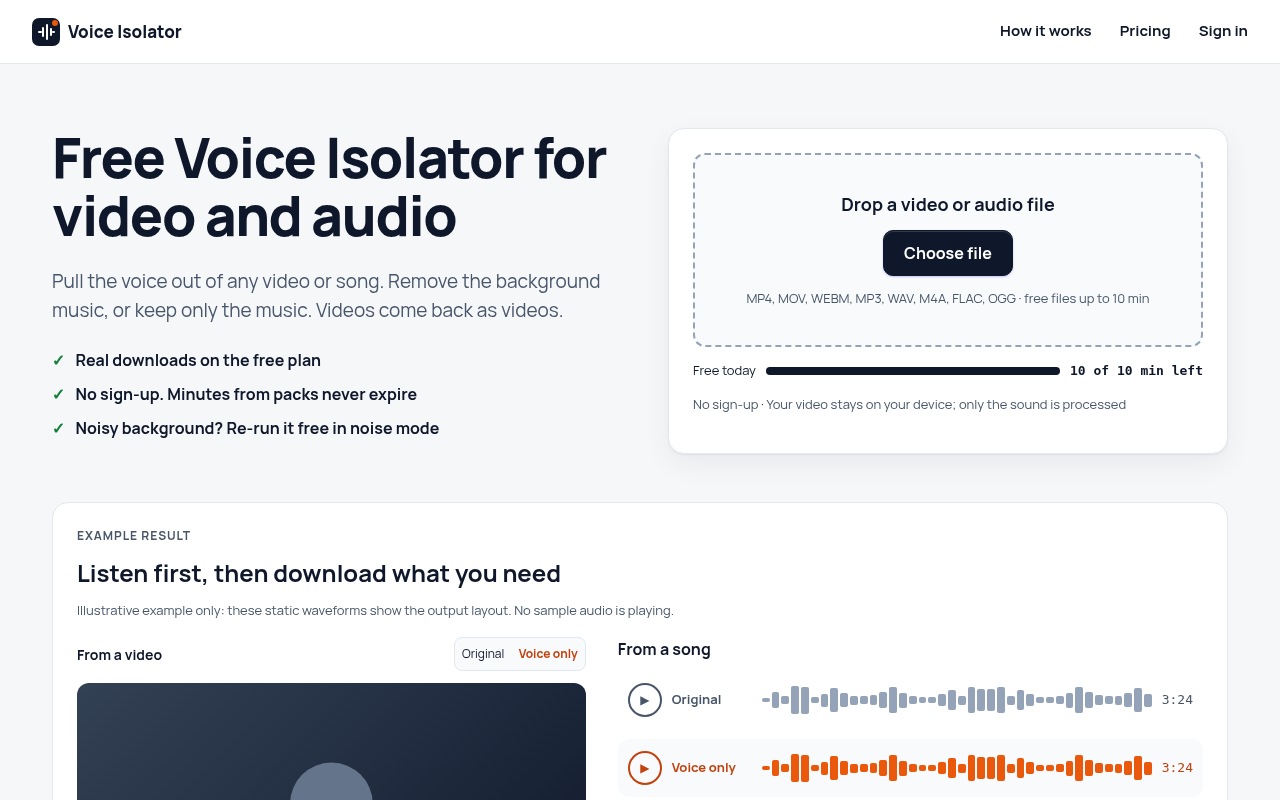
Voice Isolator is a web tool for separating a voice from music or background noise in audio and video files. Upload a recording and it returns two downloadable tracks: the isolated voice and the background. If the first result is not what you need, you can rerun the same file in the other mode for free. For video files, the audio is processed on our servers and your browser puts the cleaned voice back into the original video, so video comes back as video, without a watermark. The free plan gives 10 minutes a day with no sign-up, for files up to 10 minutes. Paid plans add longer files (up to 60 minutes), batches and more minutes: a one-time 120-minute pack that never expires, or monthly and yearly subscriptions. Downloads are available for 24 hours after processing. Please use only recordings you own or have permission to process.




Comments 0
Loading comments…